


ABOUT POTMAGIC / TECHNOLOGY & PRODUCTS
Turn changing conditions
into useful records.
Explore temperature and humidity data loggers for transport, storage and process monitoring. Choose the measurement, device format and reading method around the real application.
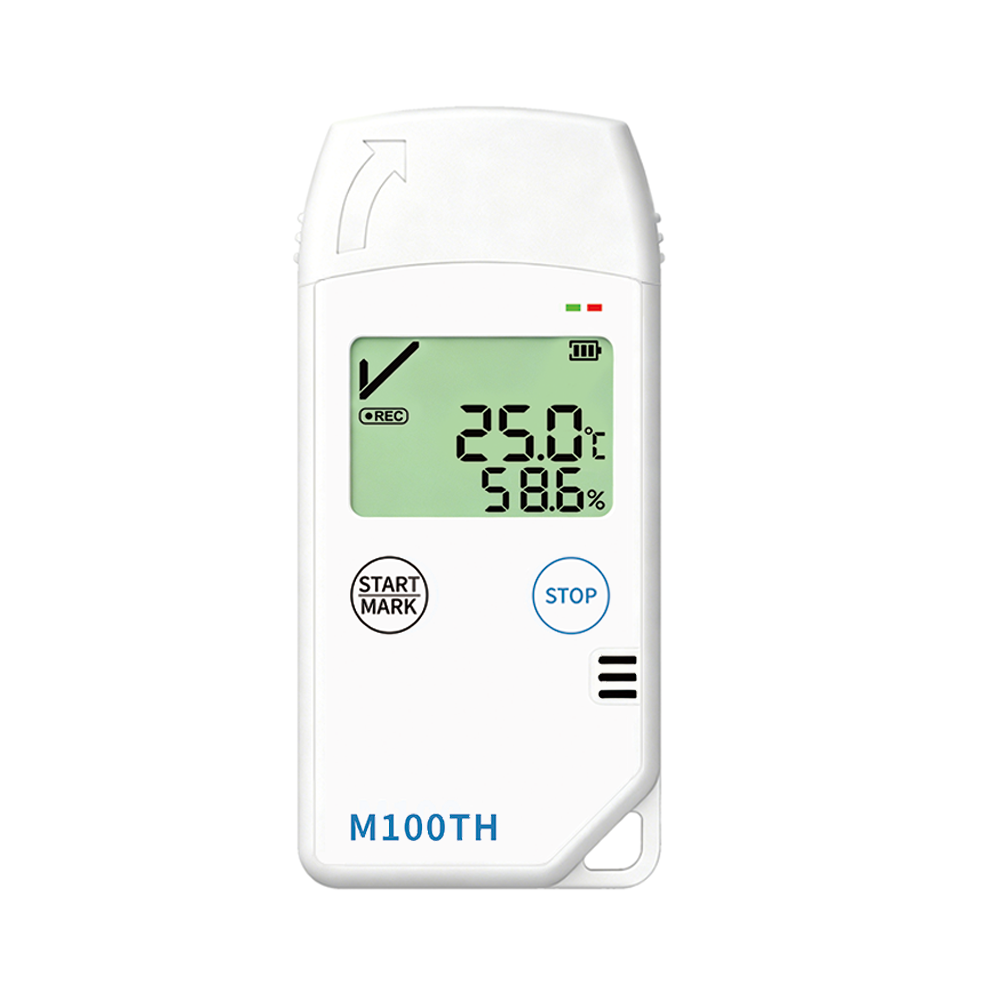
TEMPERATURE & HUMIDITY MONITORING
PRODUCT FAMILIES
Different tasks. A suitable starting point.
These models illustrate the product range. Check the individual product page for specifications and supported functions.
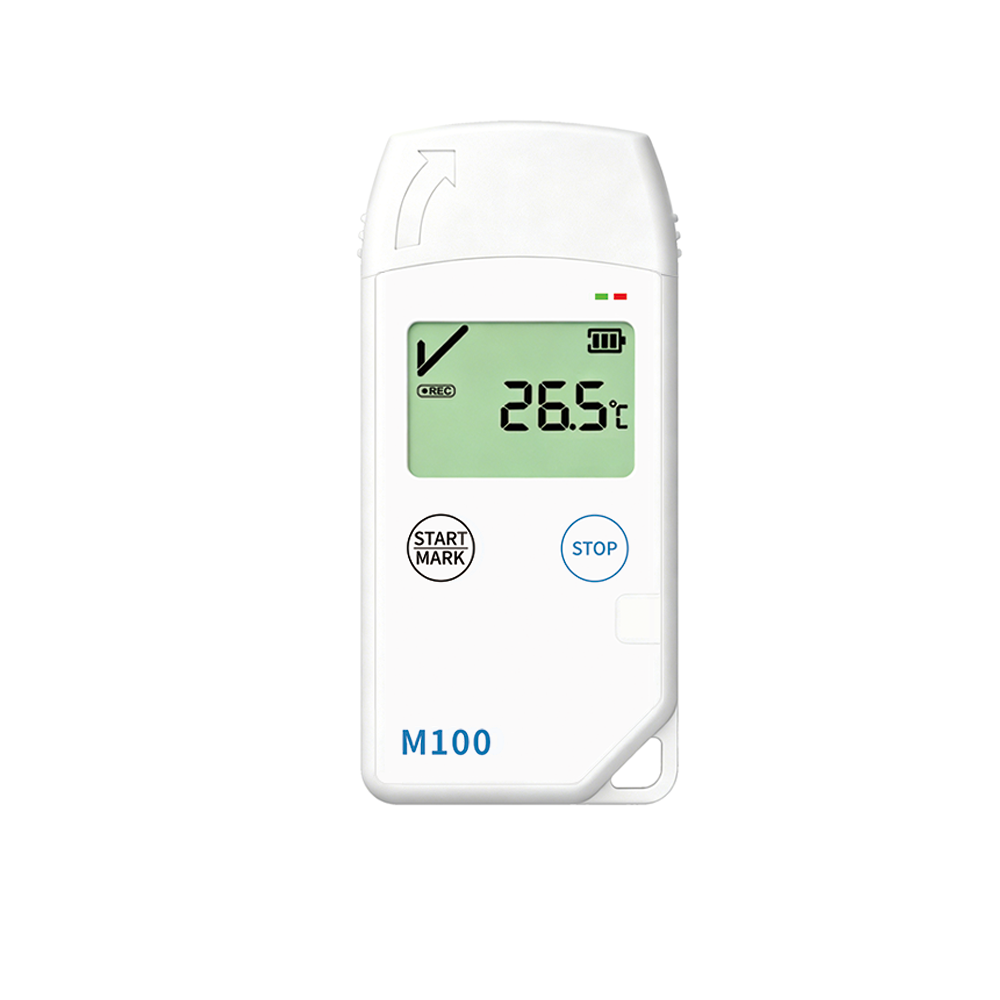
USB DATA LOGGER
M100
A USB temperature logger for projects where records are reviewed through a computer connection.
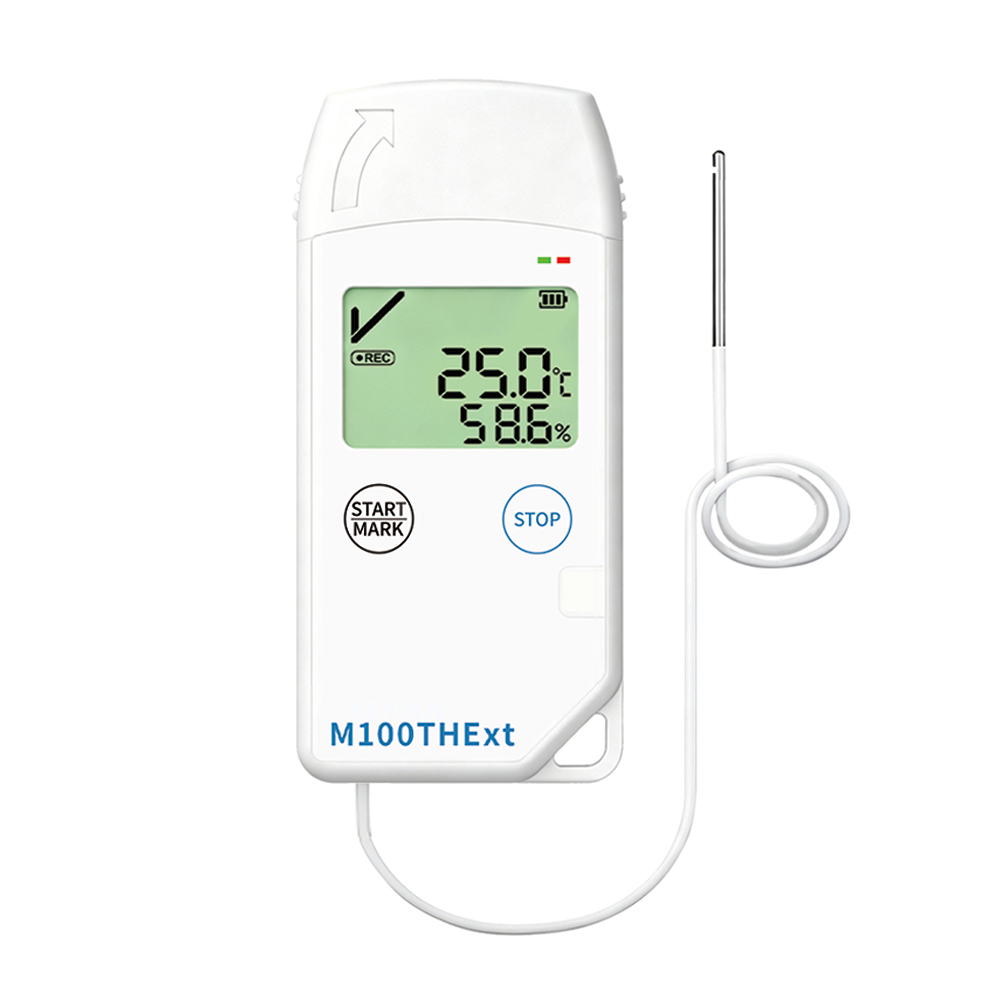
EXTERNAL PROBE
M100THExt
An external-probe model for applications that need the sensing point positioned away from the device.
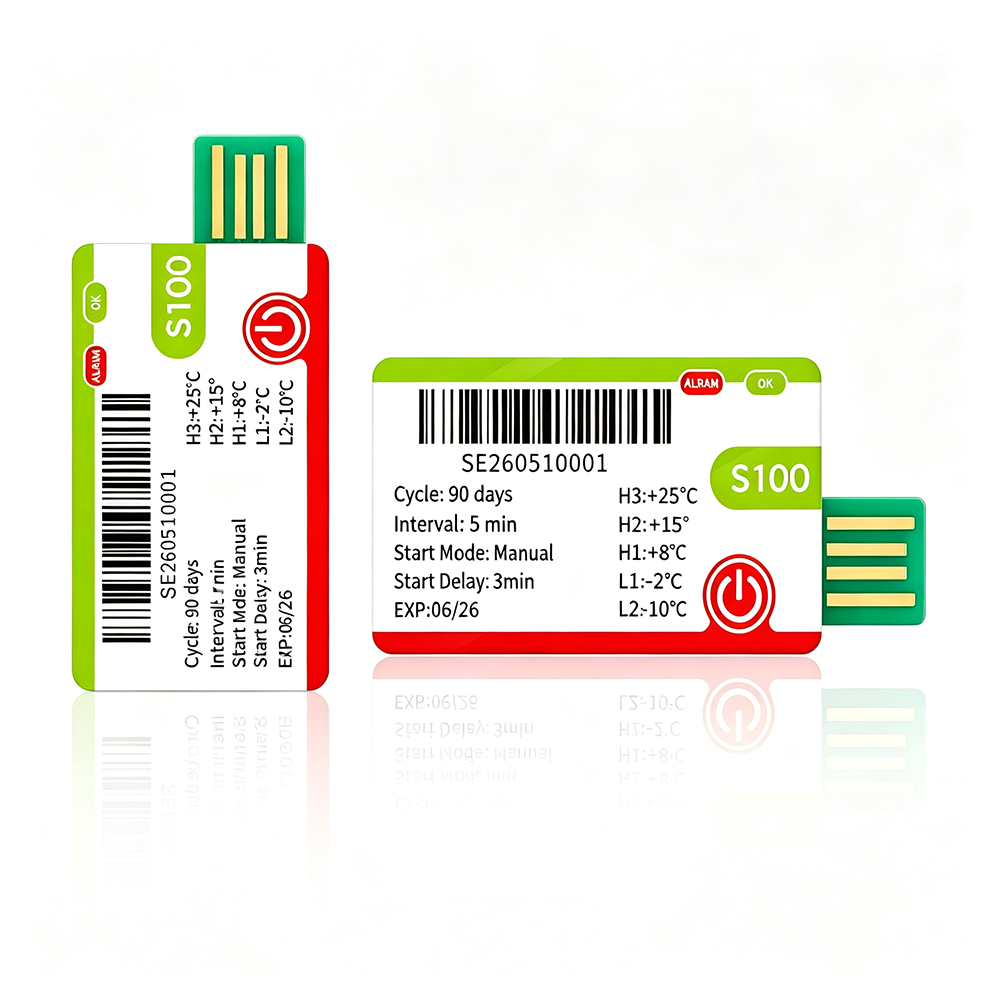
SINGLE-USE MONITORING
S100
A single-use temperature logger to consider for shipment monitoring and receiving workflows.
SELECTION GUIDE
Four questions before choosing a model
Start with the monitoring requirement, then check the product specification against it.
MEASURE
What needs recording?
Temperature, humidity or both? Confirm the operating range and required measurement performance.
FORMAT
How will it be used?
Single-use or reusable? Consider the journey duration, recording interval and handling process.
ACCESS
How will data be read?
Compare USB, NFC and available wireless options against the way your team retrieves records.
SENSOR
Where is the sensing point?
Decide whether a built-in sensor or an external probe suits the installation and measurement location.
THE DATA WORKFLOW
Record. Read. Review. Respond.
The value of monitoring comes from connecting a recorded condition to a practical decision.
01
Record
Capture environmental changes during the monitored journey or operating period.
02
Read
Retrieve the available records using the method supported by the selected device.
03
Review
Check the recorded history, alarm conditions and timing in the available report.
04
Respond
Use the findings alongside your quality procedures to guide follow-up action.
LET’S TAKE THE NEXT STEP
Need a configuration for your project?
Discuss recording settings, branding, packaging and integration requirements through our OEM inquiry page.